4. Remote Access
-
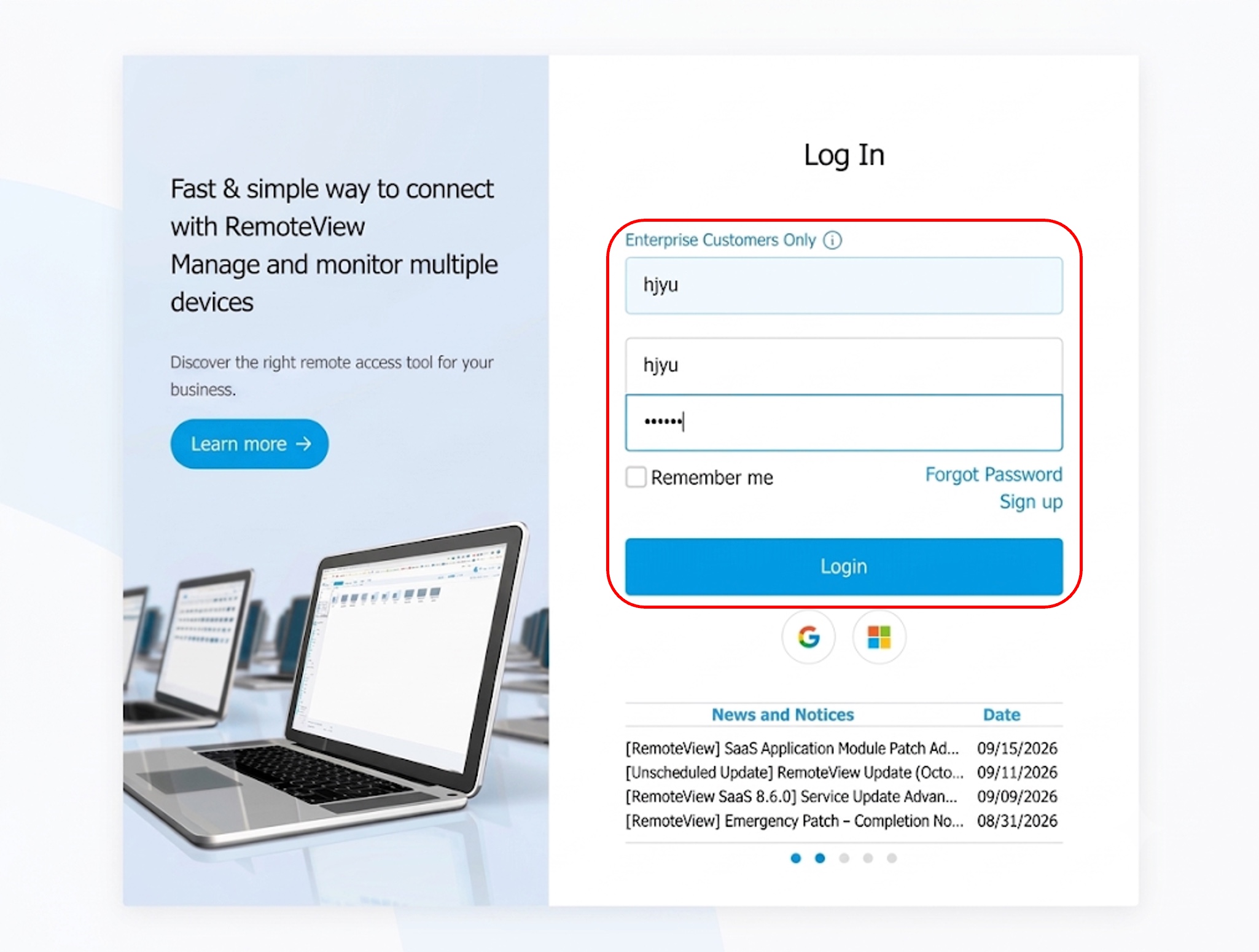
Log In to the Service Site
– Log in to the service site (https://www.rview.com).
-
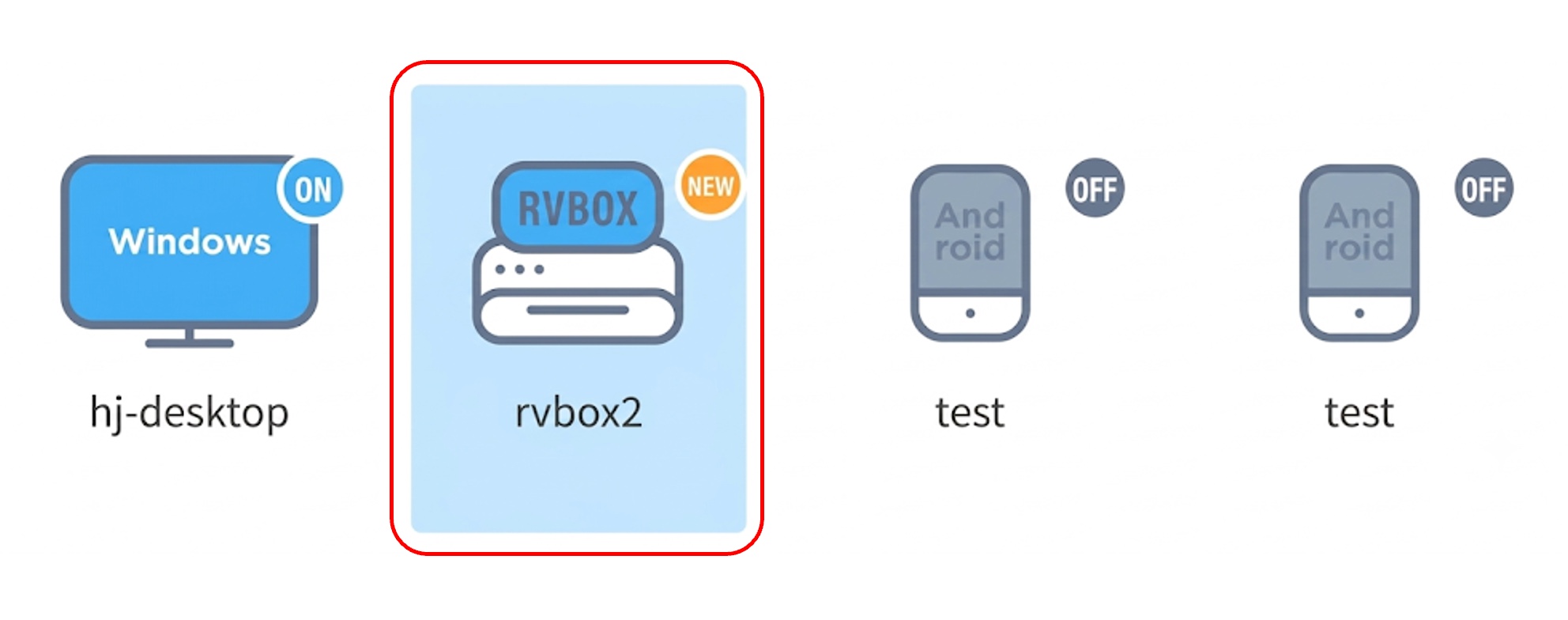
Double-Click the RemoteViewBOX Icon
– After logging in, double-click the registered RemoteViewBOX icon when it appears.
-
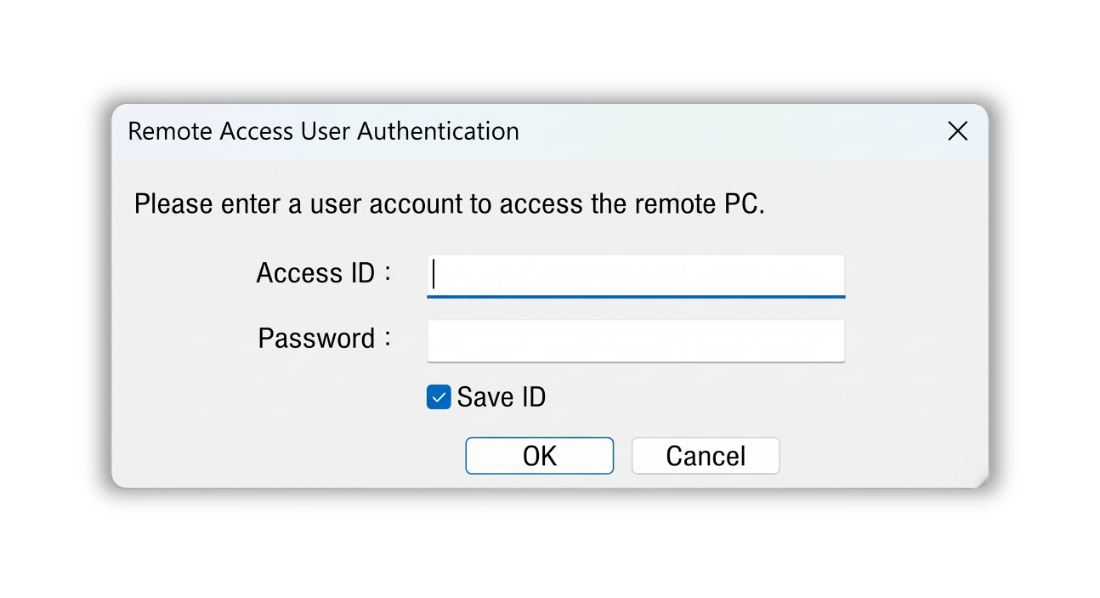
Enter the Access Account
– Enter the access account you configured during device registration, then click the [OK] button to start the remote connection.