2. Device Registration
-
Log In to the Setup Site Account
– Enter the ID and password configured for the setup site login, then click [Log in].
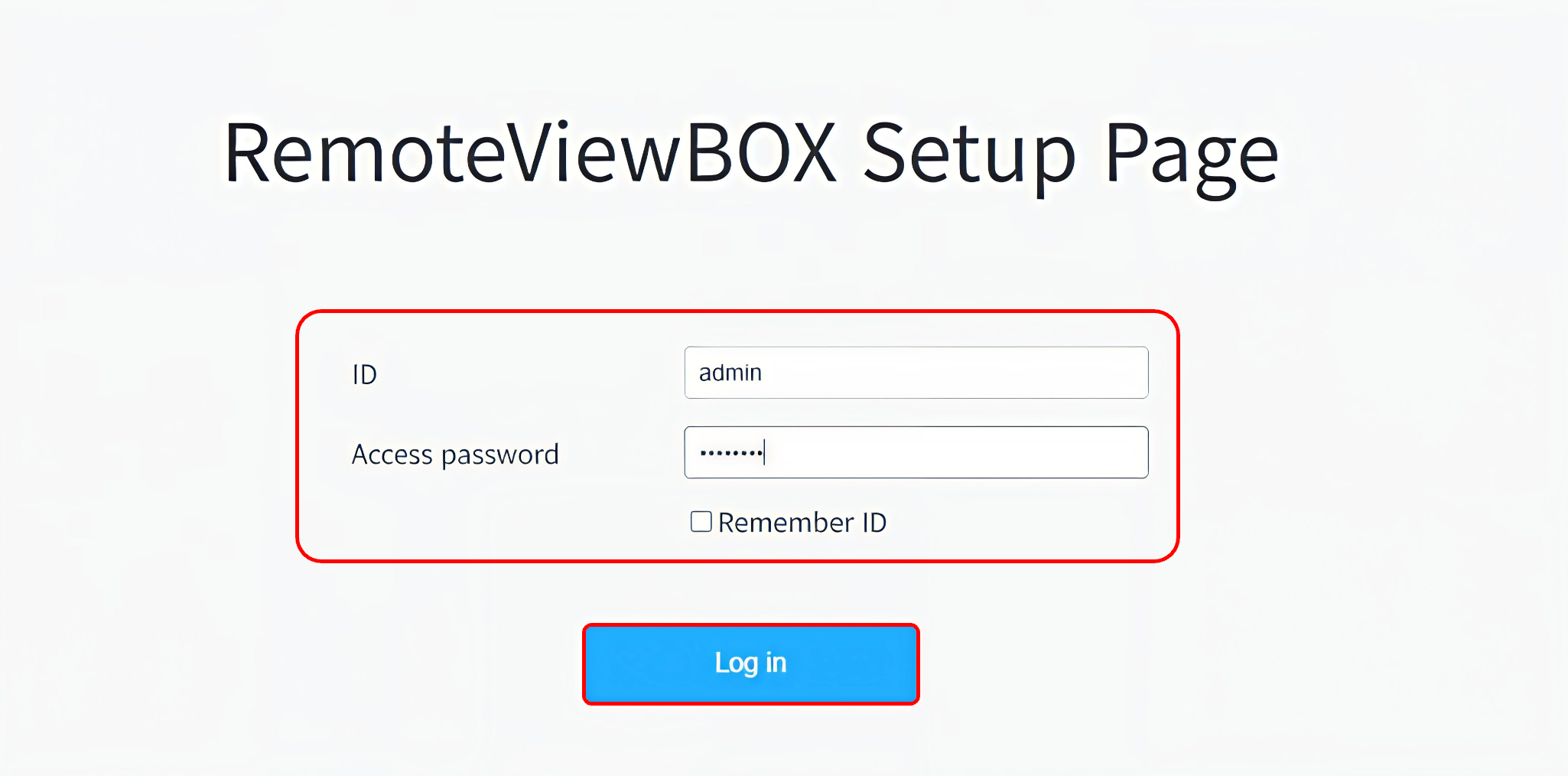
※ Note: The default account for the setup site is admin/11111111.
-
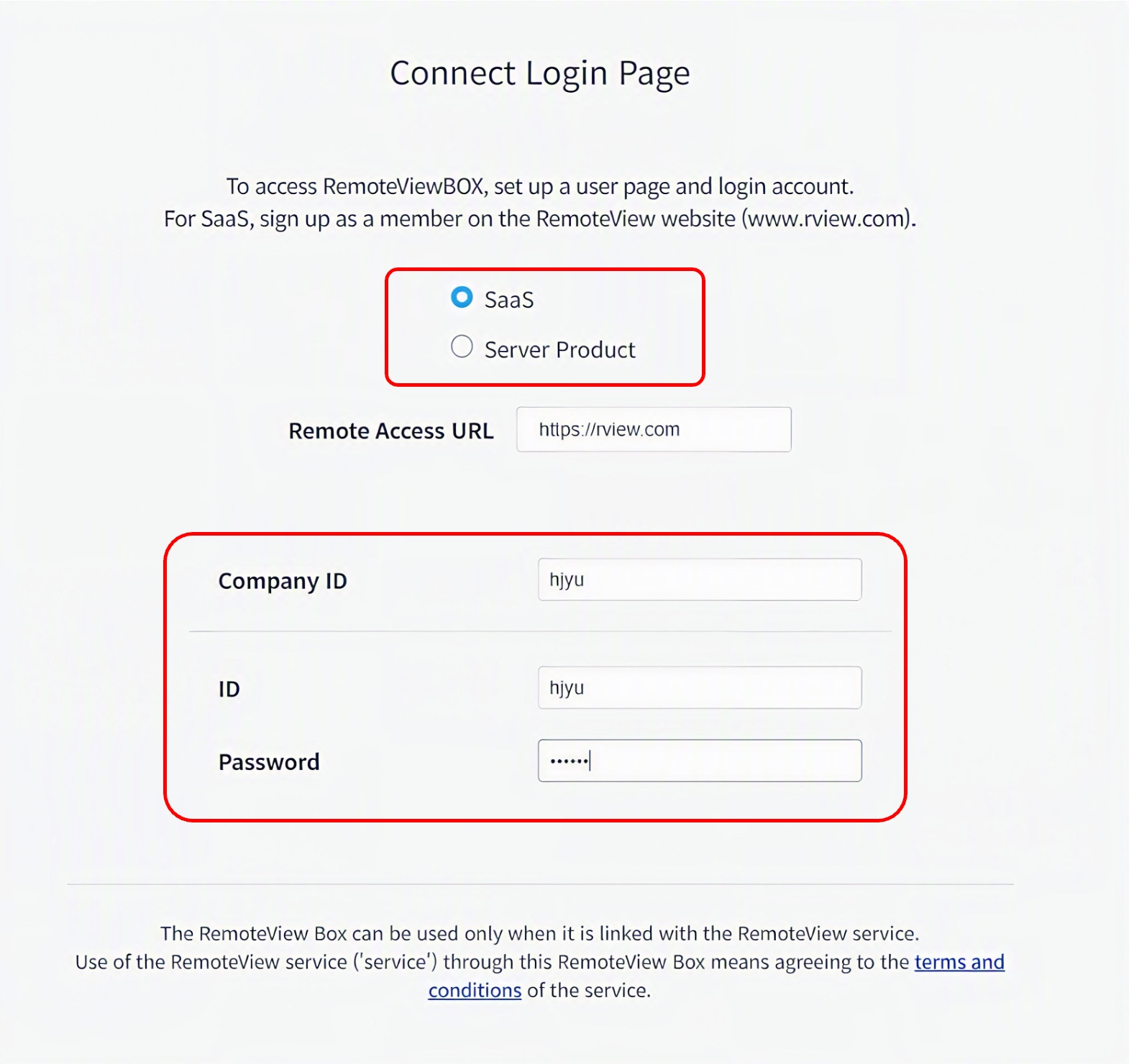
Link Your Remote Access Site Account
– After clicking [Log in], the “Remote Access Site Account Settings” window appears.
Select the SaaS or Server edition, enter the RemoteView account you registered with, then click the [Continue] button.
-
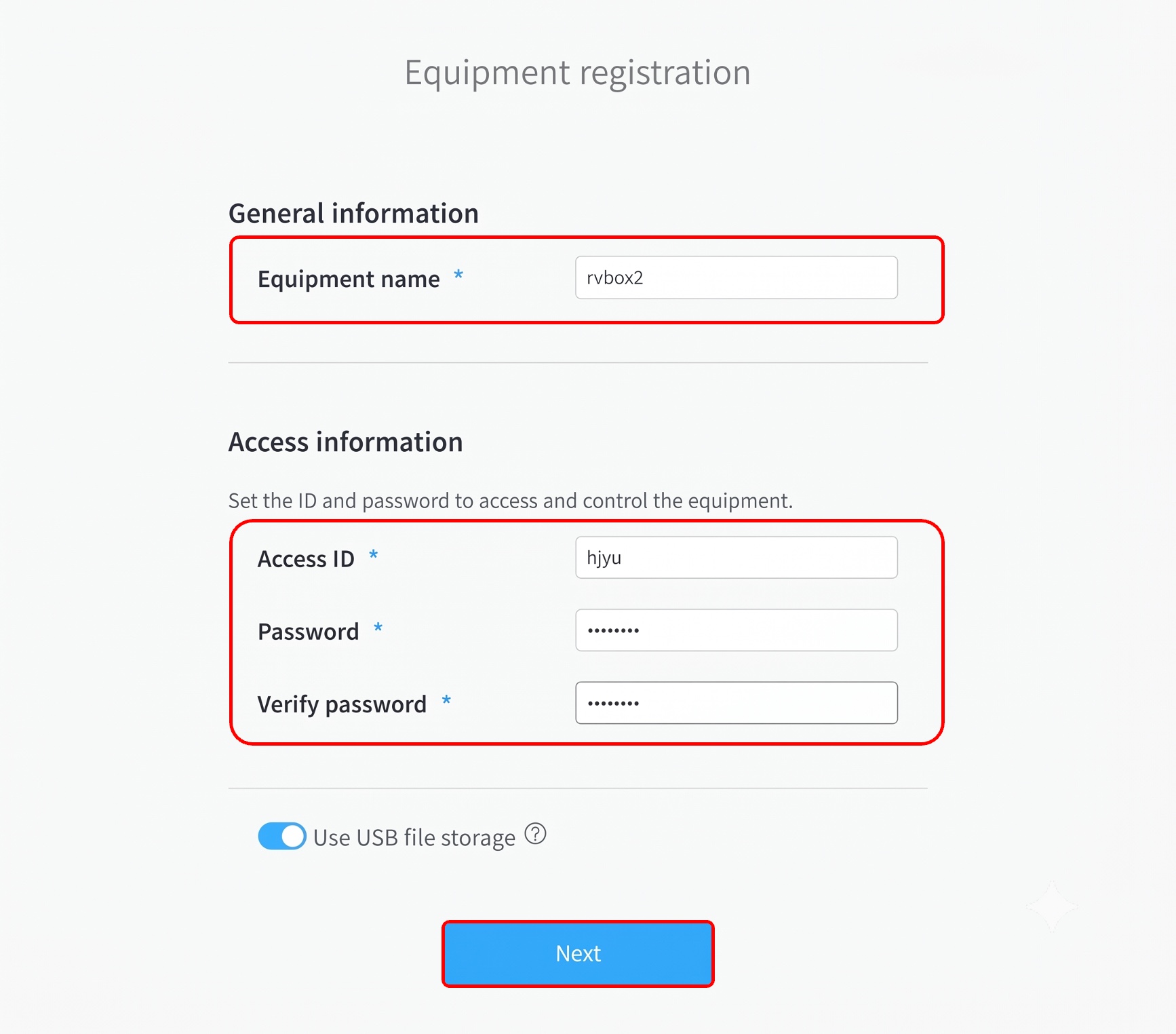
Register Device Access Information
– When the “Device Registration” window appears, configure the device information you will use,
then click the [Continue] button.Note: Be sure to remember this access information, as it is required to access the RemoteViewBOX.
-
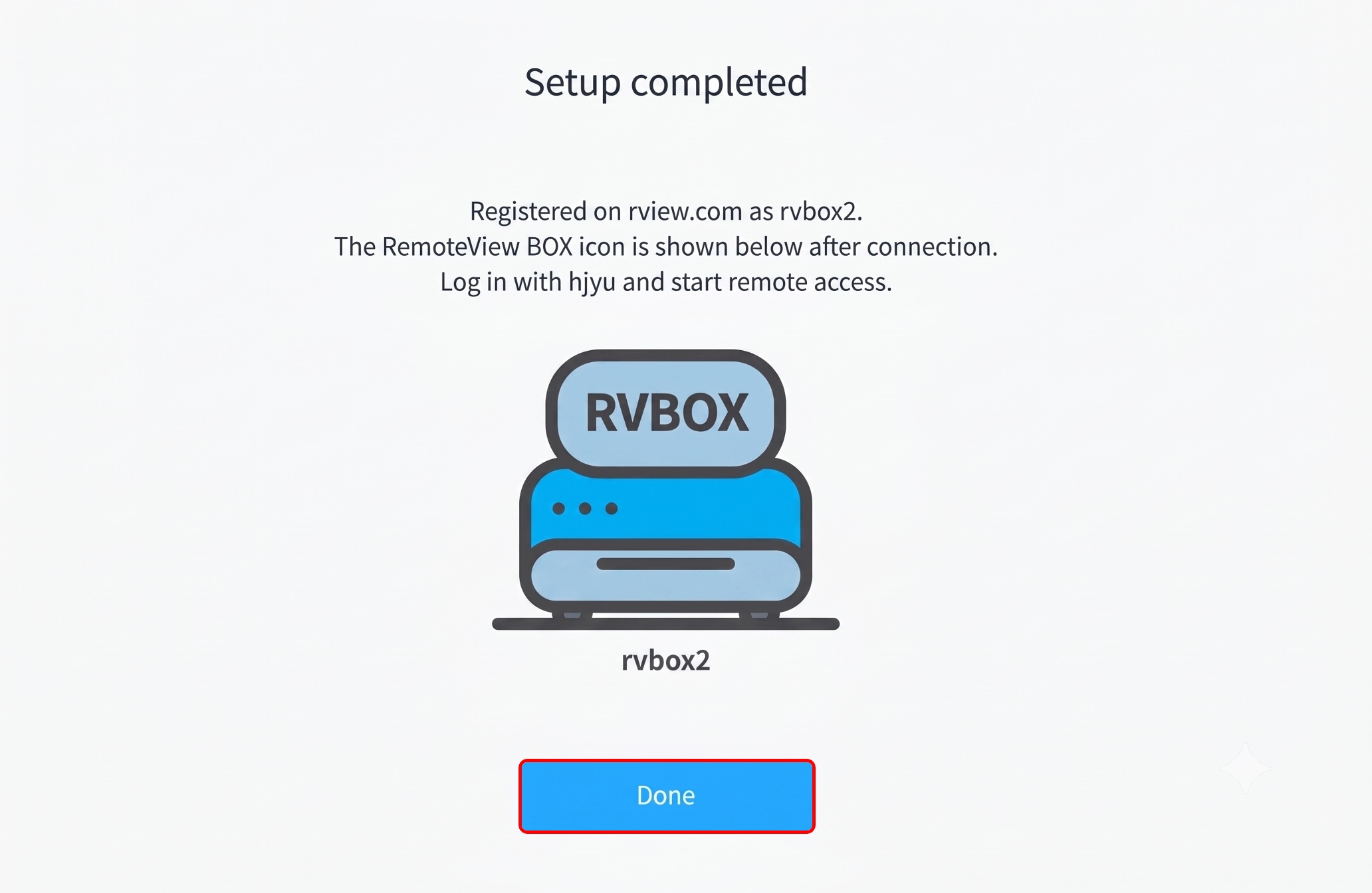
Setup Complete
– When the “Setup Complete” window appears, click the [Finish] button.