Access Setup Site
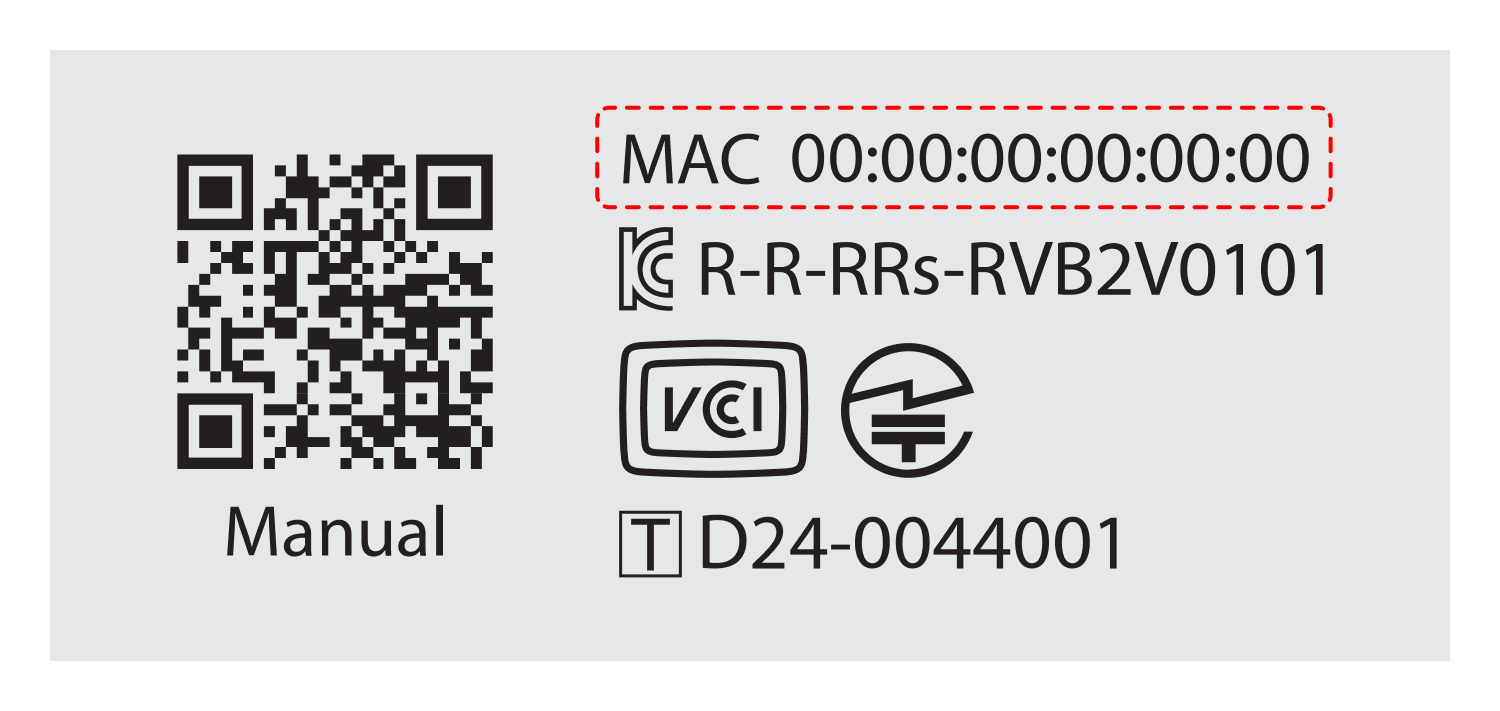
– In the MAC address field below, enter the MAC address printed on the sticker on the bottom of the RemoteViewBOX device, then click the [Access Setup Site] button.
Note: You can use the MAC address from the RemoteViewBOX network information saved during network configuration.
Note: If the IP address is not displayed, restart the device (by reconnecting the power cable) and try again.
Note: If you cannot access the IP address, clear your browser history and try again.